Baemin Foreigner Guide: How to Sign Up, Pay with Foreign Cards, and Order Food in Korea
If you are traveling or living in South Korea, learning how to use the nation’s premier food delivery service is an essential milestone. Baemin, officially known as Baedal Minjok, dominates the local food delivery landscape with lightning-fast service and an incredible variety of dining options. Navigating a Korean delivery app might seem daunting at first, but with recent updates catering to international visitors, ordering food has never been more accessible.
In this comprehensive guide, we will break down everything you need to know about setting up and using the app as an expat or tourist. We will cover account registration options, step-by-step ordering, payment solutions for international cardholders, and the underlying reasons behind Korea’s hyper-efficient delivery network. Because app features and digital payment gateways update periodically, always double-check the latest app version or consult the official Baemin platform for real-time interface changes.
What Baedal Minjok Means and How to Download the App
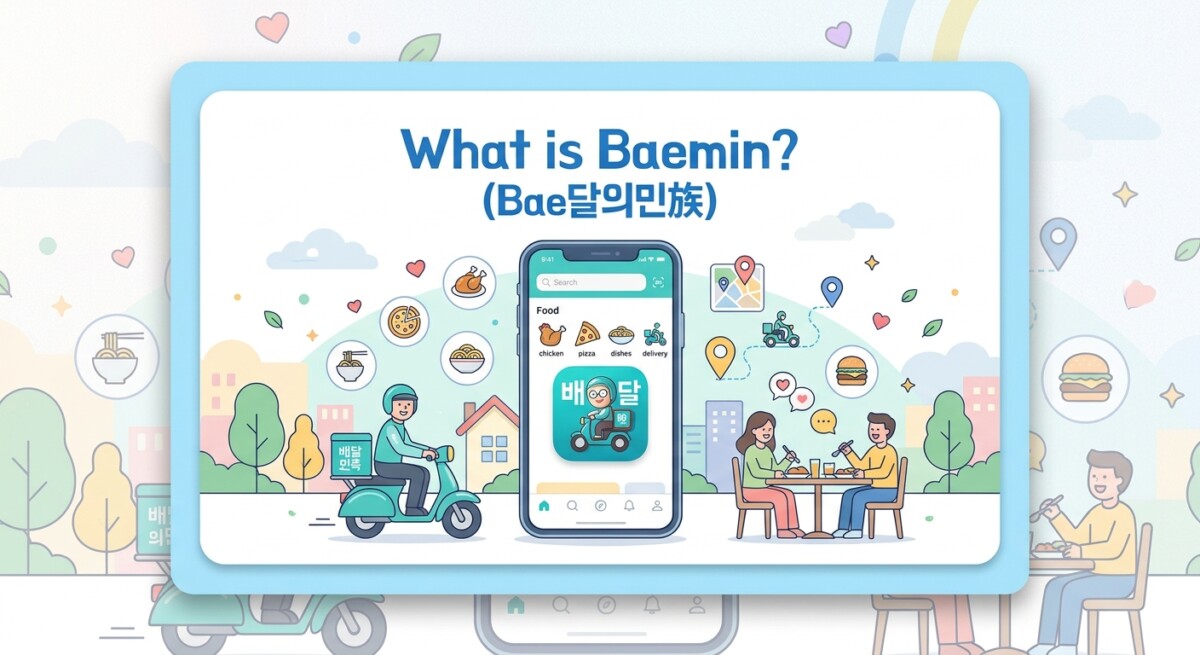
Understanding the name behind South Korea’s favorite food delivery app offers a fascinating glimpse into Korean culture and clever corporate branding. The full Korean name of the application is 배달의민족 (Baedal-ui Minjok). On a literal level, the phrase translates directly to “Nation of Delivery,” where Baedal means delivery and Minjok means nation or ethnic people.
However, the parent company, Woowa Brothers (우아한형제들), created this name as an ingenious linguistic play on words. Historically, Baedal (배달 / 倍達) is an ancient, poetic term that refers to the Korean ethnic people themselves, traditionally known as the descendants of Dangun. By combining this historical ethnic descriptor with the modern homophone Baedal, which signifies food delivery, the brand created a clever double entendre that translates to both “The People of Baedal” and “The Nation of Delivery.” In daily conversation and consumer branding, locals and expats simply refer to the app as Baemin (배민).
Downloading the app onto your smartphone is straightforward regardless of your country of origin. You can easily find the platform by searching for “배달의민족” or “Baemin” in your mobile marketplace. The application is available globally on both the Apple App Store for iOS devices and the Google Play Store for Android users. You do not need a Korean Apple ID or a localized Google account to download and install the app on your phone.
How Foreign Residents and Tourists Access and Sign Up on Baemin
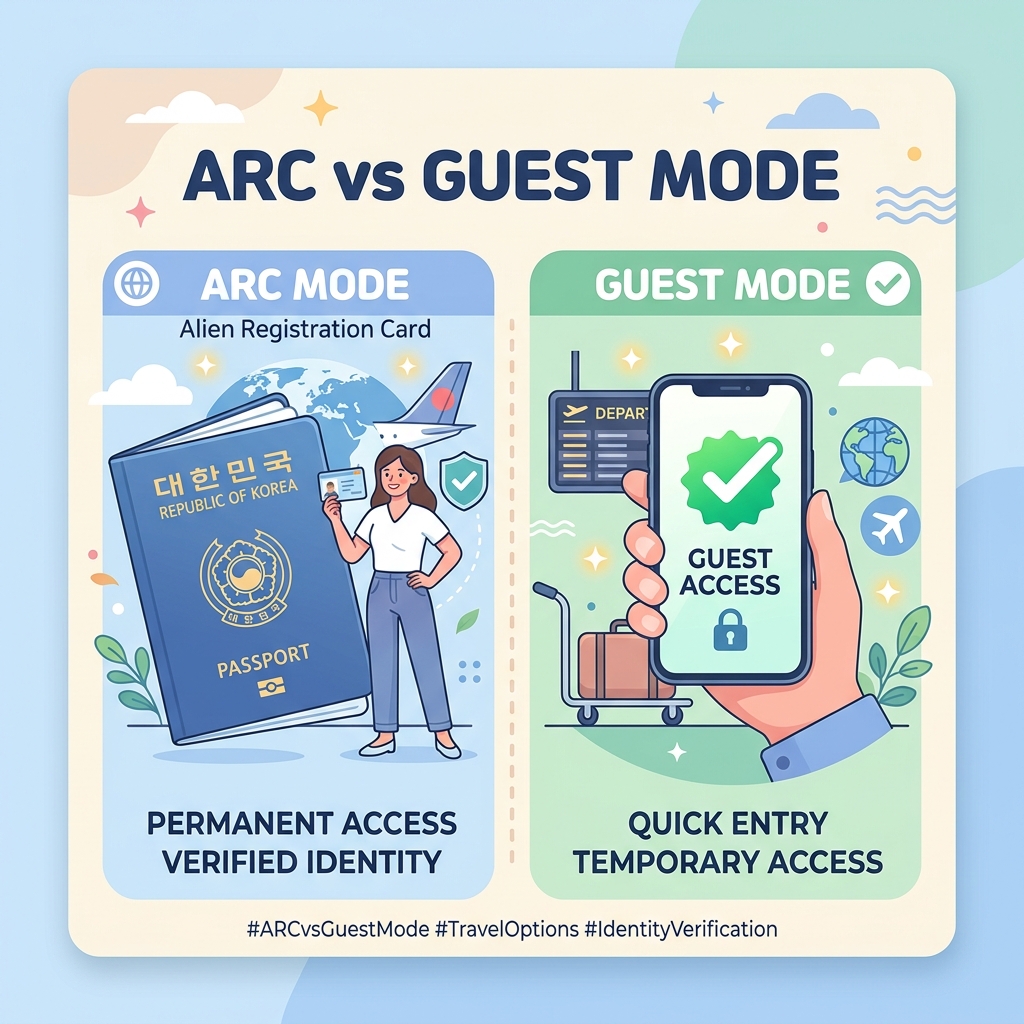
Accessing the app depends heavily on your residency status in South Korea, creating a strict distinction between long-term foreign residents and short-term tourists. Knowing which category you fall under will save you time during the checkout process.
A. Long-Term Foreign Residents (ARC Holders)
If you live in Korea long-term and hold an Alien Registration Card (ARC / Foreign Residence Card), you can complete the full account registration process (회원가입). To register successfully, you must complete local real-name identity verification (본인인증). This process requires you to enter your legal name exactly as it appears on your ARC, your ARC number, and a Korean mobile phone plan registered under your legal name. Once you enter the 6-digit verification code sent to your phone via SMS, your account creation will be complete.
Creating a full verified account grants you access to full member privileges. These perks include earning membership rewards, claiming store discount coupons, using Baemin Pay (배민페이), and enjoying full access to the B-Mart quick-commerce service.
B. Short-Term Tourists / Foreigners Without an ARC
If you are visiting Korea as a short-term tourist without an ARC, standard member registration is blocked. Standard account creation strictly requires local identity verification (본인인증), which tourist prepaid SIM cards lacking real-name carrier registration cannot pass. Fortunately, Baemin officially supports non-member or guest ordering (비회원 주문) specifically for overseas visitors.
- Guest Mode Access: Upon launching the app, tap “둘러보기” (Browse / Guest Mode) on the main welcome screen to skip logging in.
- Ordering & Payment: Guest mode allows you to browse local menus, set delivery addresses, and pay using foreign payment methods without requiring an ARC or a registered account.
- Language Support: The app offers AI-driven multi-language navigation in English, Chinese, and Japanese, alongside an official English user guide. Keep in mind that interface translation coverage can occasionally revert to Korean during specific payment gateway pop-up windows.
A side note on identity verification: the Kakao certificate (카카오 인증서) is sometimes mentioned as an ARC-free way to verify your identity in Korea. Technically, it does not require an ARC directly – it only asks for a Korean phone number registered under your real name with a domestic carrier, plus a Korean bank account. In practice, though, most short-term tourists have neither of those without an ARC anyway, so this mostly helps long-term residents who are mid-process on their paperwork rather than typical visitors.
Step-by-Step Guide to Ordering and Paying with Foreign Cards
Ordering food through guest mode or a registered account follows a clear, logical sequence. Following these specific steps will ensure your food arrives safely at your location without unexpected delays.
- 1. Set Your Delivery Address: South Korea utilizes the Road Name Address system (도로명 주소). Use GPS auto-location or manually input your address. For maximum accuracy, copy the exact Korean road address (such as 서울특별시 중구 명동길 123) from Google Maps, Naver Maps, or your hotel’s front desk. Always append your specific Building Name, Floor, and Room/Unit Number (동/호수).
- 2. Select Menu Items: Browse restaurant categories or search for specific dishes. Menus automatically display translated item names and photos. Add your chosen dishes to your shopping cart (장바구니).
- 3. Specify Delivery Instructions (요청사항): For residential doorstep delivery, select options like “문 앞” (In front of door) or “벨 누르고 문 앞” (Ring bell and leave at door). If staying at a hotel or Airbnb, add explicit notes such as “호텔 로비 수령” (Pick up at lobby) or “1층 데스크에 맡겨주세요” (Leave at 1st-floor desk), as delivery riders generally cannot access guest elevators without key cards. While entering a phone number, a local Korean SIM number is strongly recommended so the rider can contact you if lost; if you rely on an international phone number, leave written English and Korean directions in the driver note field.
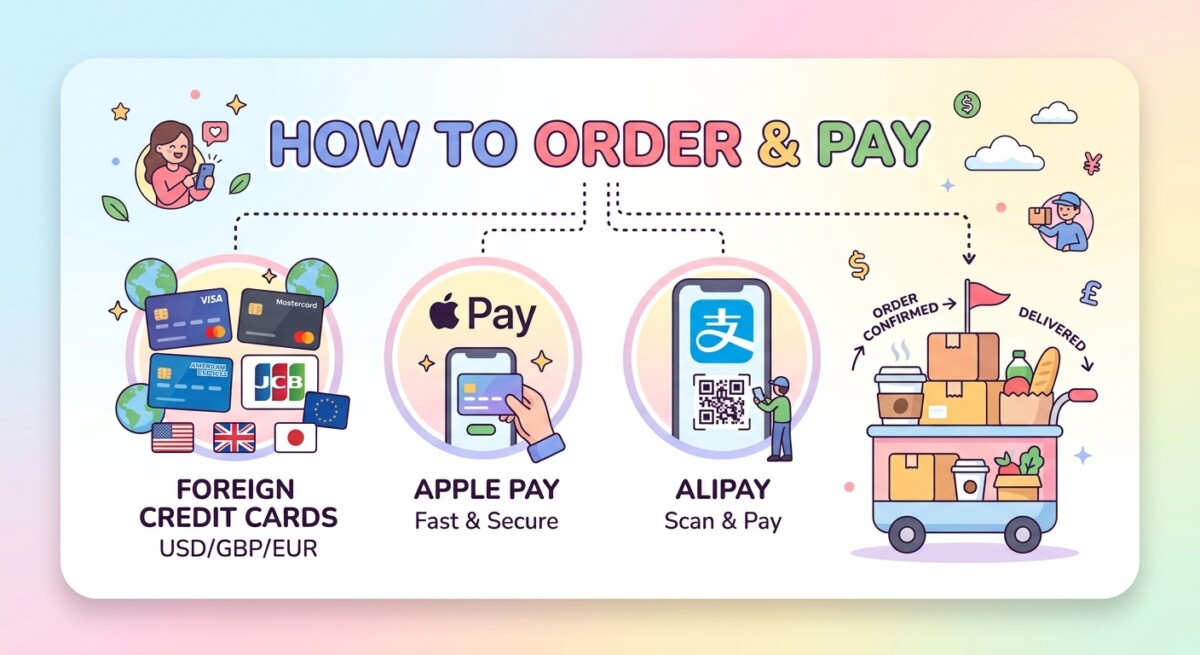
- 4. Complete Global Payment: Under the Global Payments (해외 결제) section at checkout, non-members and tourists can complete transactions using foreign-issued credit cards (Visa, MasterCard, JCB, and American Express), Apple Pay linked to foreign Visa, MasterCard, JCB, or Amex cards, or global e-wallets like WeChat Pay and Alipay+ (Alipay Plus). Pay-in-person options like cash or card on delivery (만나서 결제) are largely phased out and unavailable for guest orders, so prepaid digital payment is required.
Delivery vs. Pickup, B-Mart, and Why Korean Delivery Is So Fast
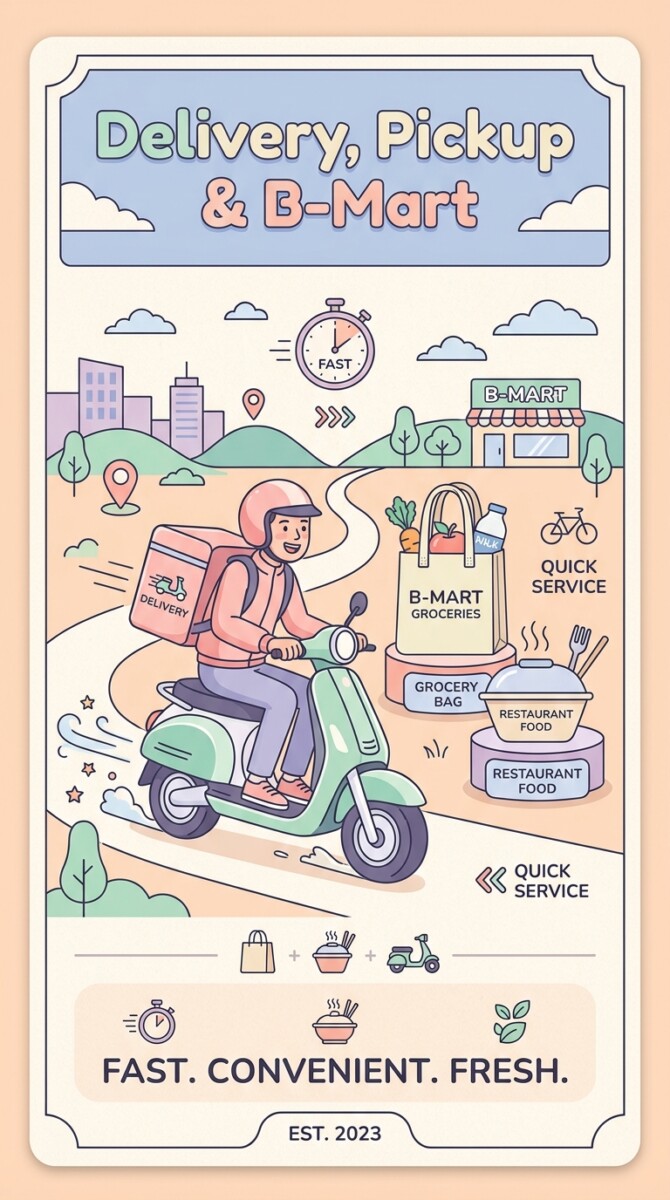
When using the app, you will notice distinct fulfillment options designed for various everyday needs. Understanding how these features operate helps you make the most of your dining and grocery experiences while in South Korea.
Delivery vs. Pickup (배민포장)
Standard delivery brings restaurant orders straight to your doorstep or hotel lobby via a courier. Alternatively, you can select the pickup option (포장 / 배민포장) to place your order through the app and collect the food directly from the restaurant yourself. Choosing pickup allows you to bypass delivery fees entirely, avoid peak-hour rider delays, and occasionally benefit from store pickup discounts. Global payment methods (such as foreign credit cards, Apple Pay, WeChat Pay, and Alipay+) apply seamlessly to pickup orders as well.
Baemin Mart (B-Mart / 배민B마트)
B-Mart is the platform’s quick-commerce grocery and convenience delivery service. Operating through localized micro-fulfillment hubs (“dark stores”) situated across major cities, items are picked directly from mini-warehouses and dispatched immediately. B-Mart stocks fresh produce, snacks, ice cream, meal kits, cosmetics, and everyday household items, delivering them to your door within 30 to 40 minutes. While food delivery and pickup support non-member global payments, B-Mart historically required standard member authentication; global e-wallet support for B-Mart continues to roll out progressively, so check current app availability during your stay.
Why Korean Delivery Is Unmatched in Speed
The legendary speed and convenience of Korean food delivery stem from several structural and technological factors:
- Extreme Urban Density: High-density vertical living in apartment complexes allows couriers to pick up and deliver multiple orders within narrow geographical radiuses, drastically cutting transit times.
- Dedicated Logistics Tech: Platforms like Baemin Connect utilize AI route optimization to batch nearby orders and dispatch riders efficiently.
- Motorcycle Infrastructure: Riders primarily operate scooters and motorcycles, allowing them to bypass heavy urban traffic congestion and navigate narrow alleyways easily.
- Seamless Doorstep Culture: High societal trust levels mean riders leave packages right outside front doors, eliminating time-consuming face-to-face handoffs or security gate check-in delays.
- 24/7 Availability: South Korea’s vibrant late-night snack culture (야식) maintains high rider density on the streets at all hours of the night.
To be fair, it is not all upside. Delivery fees are a real, ongoing complaint among Koreans themselves – fees fluctuate with rain, snow, extreme temperatures, and peak-hour demand, and the cost is split between the customer and the restaurant, so it adds up fast on smaller orders. It is common enough that many locals switch to pickup (포장) specifically to dodge the delivery fee. Even so, delivery remains hugely popular because the speed and convenience are worth it for most people most of the time. Baemin is not the only player, either – Coupang Eats is a major competitor with a similar model, and many Koreans use both apps interchangeably depending on which one has better deals or faster riders in their neighborhood on a given day.
You Might Also Like
FAQ
Can I use Baemin as a short-term tourist without a Korean Alien Registration Card (ARC)?
Yes. While standard account creation requires identity verification with an ARC, short-term tourists can select ‘비회원 주문’ (Guest Mode) by tapping ‘둘러보기’ on the welcome screen. This allows you to order food and pay using foreign credit cards, Apple Pay, WeChat Pay, or Alipay+.
What address format should I enter when placing an order on Baemin?
South Korea uses the Road Name Address system. It is best to copy the official Korean road address directly from Google Maps, Naver Maps, or your hotel front desk. Be sure to include the building name, floor, and exact unit or room number.
Can delivery drivers bring food directly up to my hotel room?
Usually no, because hotel guest elevators in South Korea require key card access. It is recommended to leave a note in the driver instructions field such as ‘호텔 로비 수령’ (Pick up at lobby) or ‘1층 데스크에 맡겨주세요’ (Leave at 1st-floor desk) and meet the driver in the lobby.