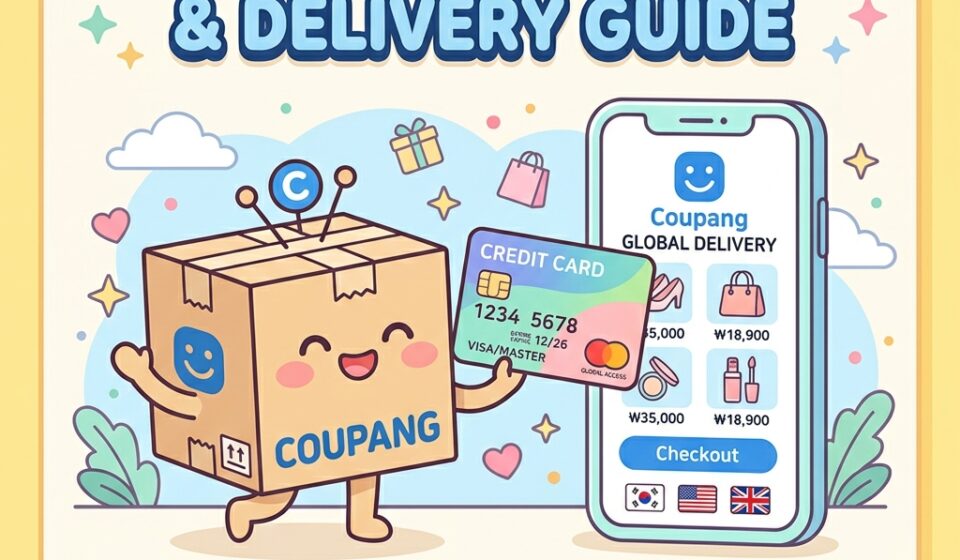
If you are visiting or residing in South Korea, you will quickly realize that local life revolves around online convenience. Among all the platform options, Coupang (쿠팡)—frequently described as the “Amazon of South Korea”—reigns supreme. Whether you need daily groceries, electronics, toiletries, or travel gear, Coupang delivers almost anything right to your doorstep within hours. However, for expats, international students, and short-term tourists, navigating a foreign e-commerce ecosystem can feel daunting, especially when local financial systems require complex identity verification.
Fortunately, ordering on Coupang as a foreigner is entirely possible, even if you do not possess a domestic Korean credit card or an Alien Registration Card (ARC). By understanding how payment gateways handle overseas credit cards and configuring your app settings properly, you can enjoy fast deliveries across the country. In this comprehensive guide, based on verification conducted in September 2026, we will walk you through prerequisites, English language settings, foreign payment procedures, address entries, customs regulations, and membership details. Please note that app interfaces and policies may evolve over time, so always double-check the latest app version or official site directly if you encounter unexpected prompts.
2 Coupang Prerequisites and Language Settings for Foreigners
Before placing your first order on Coupang, you need to understand the basic system requirements. While the platform is heavily tailored toward domestic Korean residents, foreign travelers and long-term expatriates can both create accounts provided they have the correct setup.
The single most important prerequisite for both short-term visitors and long-term residents is a working local Korean phone number. Your phone number must start with 010 and be capable of receiving text messages (SMS) for account creation and delivery notifications. Overseas phone numbers from your home country will not work on the platform. If you are a short-term tourist, you can easily obtain a prepaid Korean SIM card or eSIM at major international airports or mobile kiosks. Coupang does not publicly list an ARC as a strict requirement for placing individual orders with a foreign card, and many short-term visitors order successfully without one. That said, this isn’t spelled out as an official guarantee, so if you hit an unexpected identity-verification wall, your best move is to contact Coupang customer support directly. However, if you are a long-term resident with an ARC, linking your Korean phone number verified under your legal name will allow you to access saved payment methods and local bank transfers.
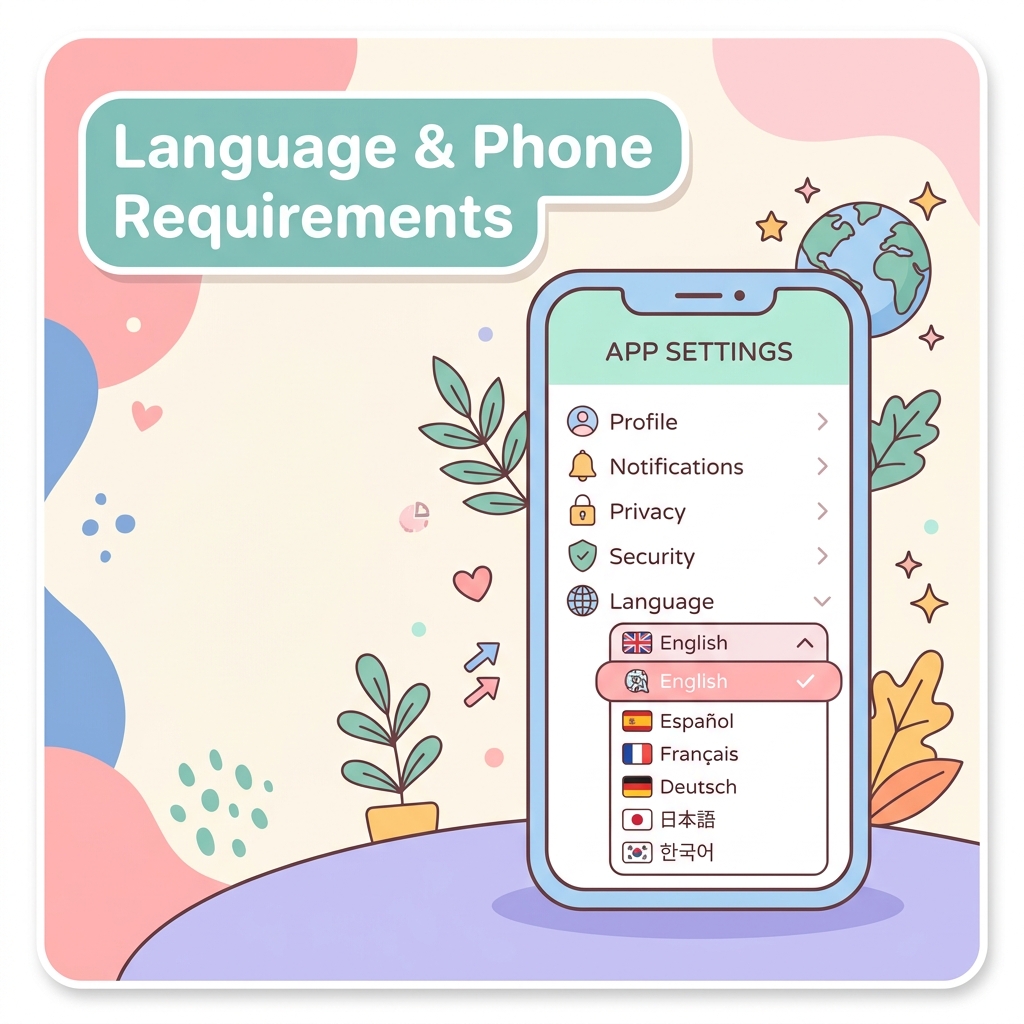
In May 2025, Coupang introduced a long-awaited Native English Support feature in beta for its mobile app. This feature translates key navigation elements, main menus, product search features, checkout screens, and even user reviews into English, making the platform immensely more accessible for non-Korean speakers. To enable English mode in your app, follow these simple navigation steps:
- Open the Coupang app on your iOS or Android mobile device.
- Tap on My Coupang (
마이쿠팡) located at the bottom right corner of the screen. - Scroll down to access Settings and select Language (
언어 설정). - Choose English from the list of available languages.
It is crucial to note that you should always complete your purchases through the mobile app rather than a desktop web browser. Coupang’s desktop website frequently rejects foreign credit card transactions due to security plugin conflicts, whereas the mobile app offers a streamlined and reliable gateway for overseas payment cards.
2 Step-by-Step Guide to Paying with a Foreign Credit Card on Coupang
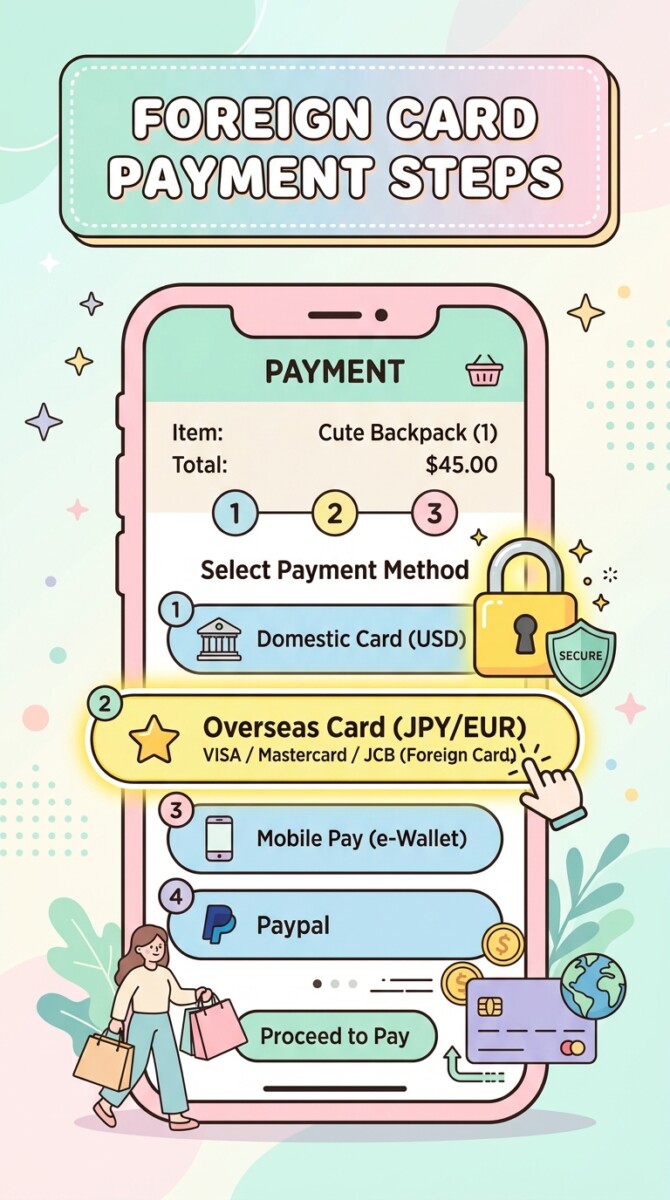
Paying with an overseas card on Coupang can occasionally be confusing because the app defaults to domestic payment systems known as Coupang Pay. If you attempt to type an overseas credit card number directly into the standard Korean card fields, the platform will generate a payment failure error (결제 실패). To process your transaction successfully, you must select the dedicated foreign card portal hidden within the menu.
Coupang accepts major international card networks, including foreign Visa, Mastercard, and JCB cards. To complete your transaction without errors, follow this exact step-by-step payment procedure:
- Download & Register: Install the official Coupang app. Create a new account using your email address, and verify your profile using your valid Korean
010phone number via SMS verification. - Add Items & Proceed to Checkout: Browse the catalog, add desired items to your cart, and tap Buy Now or Checkout (
결제하기). - Select Payment Method: When you arrive at the payment screen (
결제수단), locate and tap Credit / Debit Card (신용/체크카드). - Select “Overseas Card”: Scroll down to the very bottom of the card issuer list and tap Overseas Card / Foreign-issued Card (
해외발급 신용카드). - Enter Details & Authorize: Enter your foreign credit card number, expiration date, and CVV security code. You will then be redirected to your home bank’s 3D-Secure or two-factor authentication page to verify the purchase via an SMS code or mobile banking approval.
Good news: according to Coupang’s own payment FAQ, foreign-issued cards can actually be saved in Coupay for future use, so you don’t have to re-enter your card details on every order. Coupay allows up to 13 saved payment methods in total: up to 10 domestic cards plus up to 3 eligible foreign cards. One rule applies to every saved card – the cardholder name must exactly match the name on your Coupang account, so double-check that your profile name matches your card before registering it.
2 Setting Up Delivery Addresses and Handling Customs Clearance (PCCC)
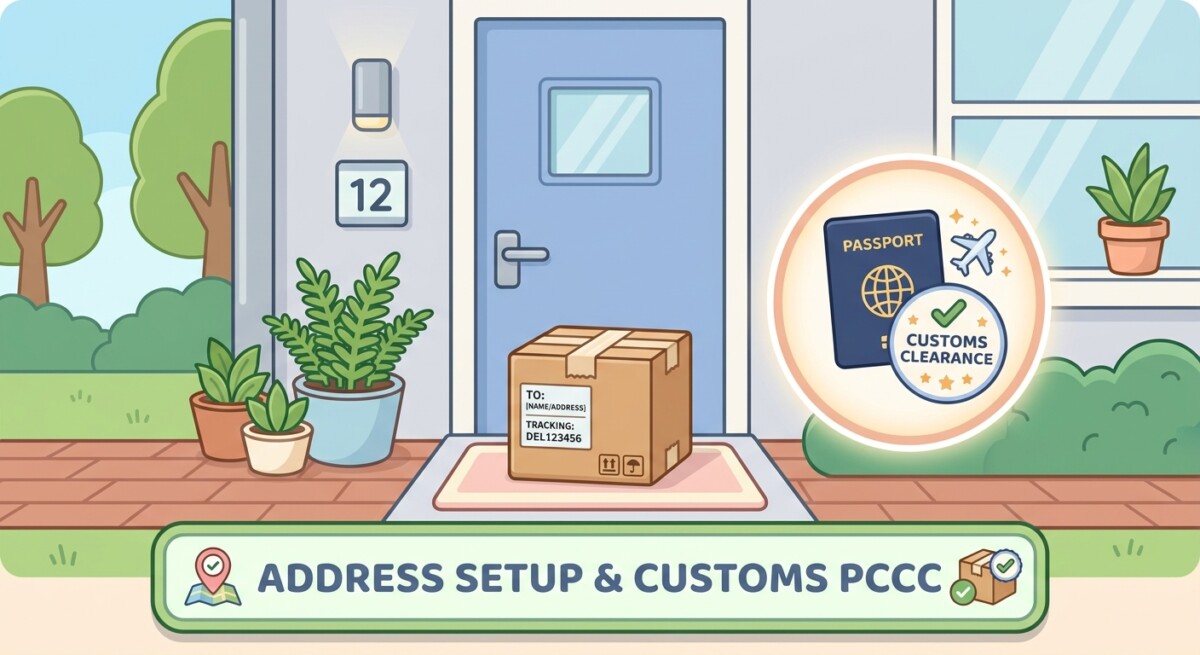
Once your payment method is ready, you must configure your delivery destination accurately to prevent missing packages. South Korea utilizes a standardized road-name address system, and entering your address correctly in Korean or standard Romanized Korean format is essential for courier drivers.
If you are staying at a hotel, hostel, or Airbnb rental, always consult with your accommodation staff or host before placing an order. In the delivery instructions box (배송 요청사항), clearly state where the courier driver should leave your package. Common instructions include “Leave at front desk” or “In front of door” (문 앞). Korean delivery couriers operate with incredible efficiency and will frequently send a photo of your package dropped right outside your door once delivery is complete.
When shopping on Coupang, you will notice two distinct types of product listings that handle South Korean customs regulations differently:
- Domestic Rocket Delivery (
로켓배송): Items fulfilled from domestic warehouses within Korea do not require any customs checks. You do not need a Personal Customs Clearance Code (PCCC) or passport submission for these domestic items. - Rocket Overseas (
로켓직구): Cross-border items shipped directly from international origin hubs (such as the United States, China, or Japan) are subject to South Korean customs regulations. Under Korea Customs Service rules updated in January 2025, a Personal Customs Clearance Code (PCCC) is required at checkout for these items, and a passport number is no longer accepted as a substitute for e-commerce imports. If you plan to order any Rocket Overseas items, apply for a free PCCC in advance through the Korea Customs Service’s UNI-PASS website (unipass.customs.go.kr) before you shop.
If you are a tourist without a PCCC, stick to standard domestic Rocket Delivery products to avoid potential customs delays or verification issues.
2 Coupang WOW Membership Features and Foreigner Billing Limitations
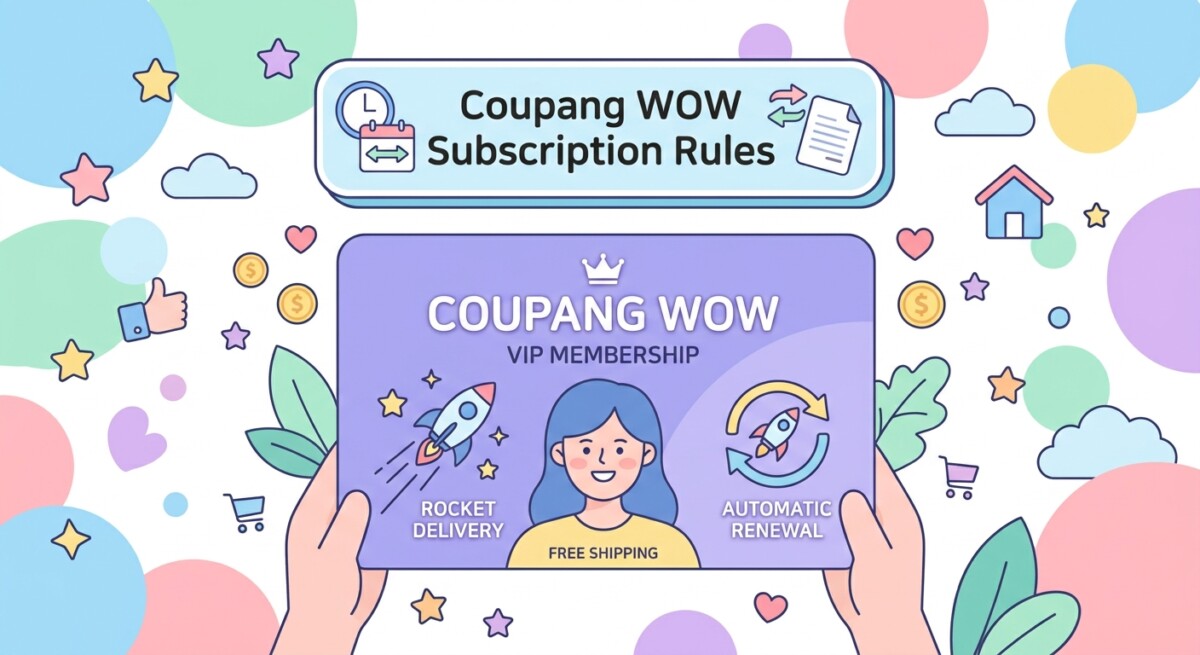
While browsing Coupang, you will frequently see promotions for Coupang WOW Membership. This monthly subscription program costs 7,890 KRW per month and offers an impressive array of perks for frequent shoppers across South Korea.
Members enjoy unlimited free Rocket Delivery on qualifying items, access to early morning Dawn Delivery (새벽배송) where items ordered by midnight arrive before 7:00 AM, free product returns, full streaming access to Coupang Play (an OTT video platform), and special discounts on the Coupang Eats food delivery service. For anyone residing in Korea long-term, WOW membership provides remarkable daily value.
Interestingly, WOW membership (and the same-day Rocket Fresh grocery service) isn’t only useful for residents. Plenty of domestic Korean travelers activate it temporarily during a trip when they urgently need something – medicine, toiletries, baby supplies – delivered to their hotel or guesthouse the same day, then cancel afterward. If you happen to have access to a Korean-issued card during your stay, the same trick can work for short-term visitors too.
However, foreign residents and tourists should be aware of a critical billing limitation regarding WOW Membership:
- Recurring Billing Restrictions: WOW Membership requires automated monthly recurring billing through Coupang Pay.
- Foreign Card Failures: Foreign-issued credit cards often fail or get blocked by automated recurring subscription systems on Korean platforms.
- Common Workaround: This isn’t an official Coupang requirement on paper, but many long-term foreign residents find it easier to keep WOW Membership active by connecting an ARC-linked Korean bank account or a locally issued debit/credit card, since recurring billing with foreign cards can be inconsistent.
If you are a short-term visitor using an overseas card, you can still place individual orders on Coupang without a WOW subscription. If you are a long-term resident who has obtained your ARC, opening a local bank account will unlock full WOW membership features and effortless seamless checkouts.
In summary, while Korean e-commerce platforms have strict domestic verification standards, Coupang remains highly accessible to foreign visitors and residents who follow the correct steps. Remember to double-check the latest app updates, as procedures and user interface features may change over time, and consult the official app directly if you need further guidance. Happy shopping!
FAQ
Can I use a foreign credit card to buy items on Coupang on my laptop browser?
It is strongly recommended to use the Coupang mobile app on iOS or Android. Desktop web checkouts frequently trigger security software conflicts that reject foreign credit cards, whereas the app’s ‘Overseas Card’ option works reliably.
Do I need a Personal Customs Clearance Code (PCCC) for every item on Coupang?
No. You only need a PCCC if you purchase cross-border items labeled as Rocket Overseas (로켓직구) – as of the January 2025 rule change, a passport number is no longer accepted as a substitute. Standard domestic items under Rocket Delivery (로켓배송) ship from within South Korea and require no customs verification at all.
Can I save my foreign Visa or Mastercard so I don’t have to enter card details every time?
Yes. Coupang officially allows saving foreign Visa, Mastercard, and JCB cards in Coupay (up to 3 foreign cards among 13 total saved payment methods), as long as the cardholder name matches your Coupang account name exactly.